Google’s New gws CLI Tool Makes Workspace API Automation Easie
Developers often rely on Google Workspace APIs to integrate services such as Gmail, Drive, Calendar, and Sheets into applications. However, interacting with these APIs traditionally requires writing complex REST calls, managing authentication workflows, and handling pagination or response parsing.
To simplify this process, Google has introduced a new open-source command-line tool called gws (Google Workspace CLI). This tool provides a unified interface for accessing Google Workspace APIs directly from the terminal and enables seamless integration with AI agents and developer workflows.
With the launch of the gws CLI, developers and AI engineers can automate workflows, access enterprise data, and build intelligent applications more efficiently.
What Is the gws CLI Tool?
The gws CLI is a command-line interface designed to simplify access to the entire Google Workspace ecosystem.
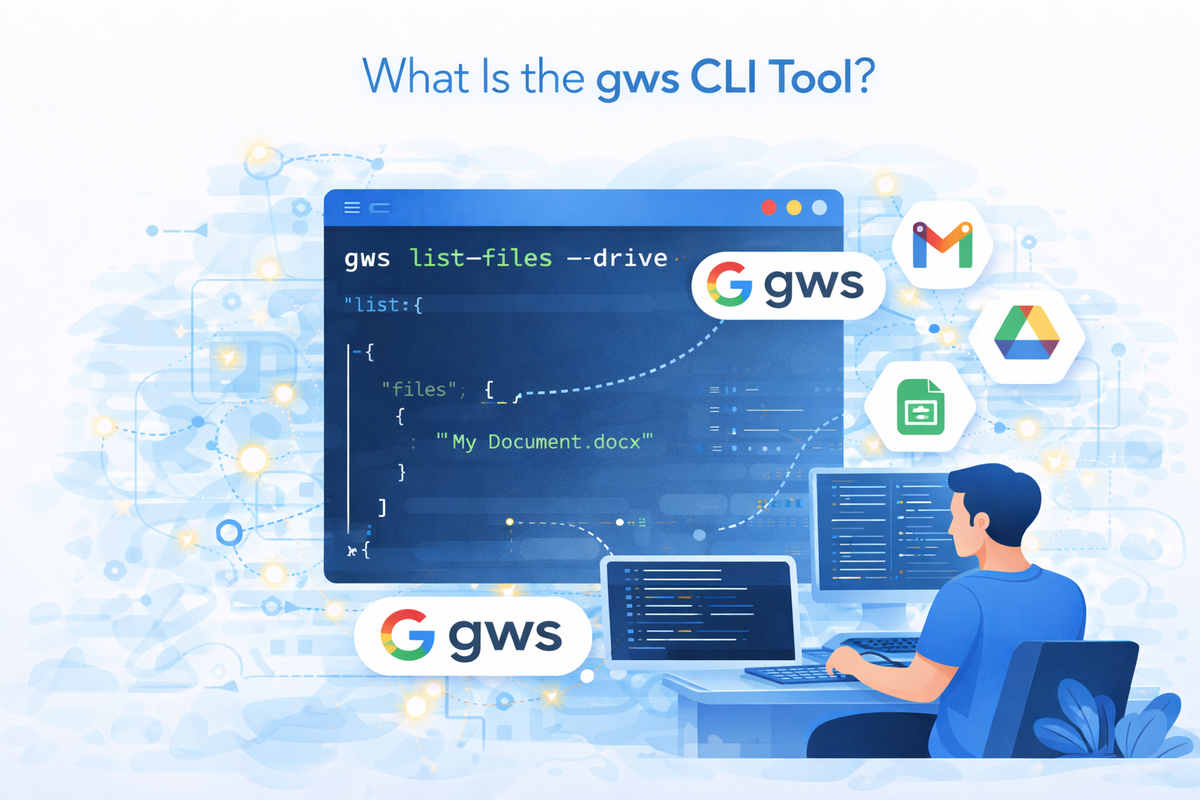
Instead of interacting with APIs individually, developers can use a single command-line tool to manage services like:
- Google Drive
- Gmail
- Google Calendar
- Google Sheets
- Google Docs
- Google Chat
- Admin APIs
The tool is available as an open-source package and can be installed using:
npm install -g @googleworkspace/cli
Once installed, the gws The command allows developers to interact with multiple Workspace APIs directly from the terminal.
Why Google Introduced the gws CLI
Integrating Google Workspace services often requires developers to write custom scripts to handle API calls, authentication tokens, and response parsing.
The new CLI tool aims to eliminate this complexity by providing:
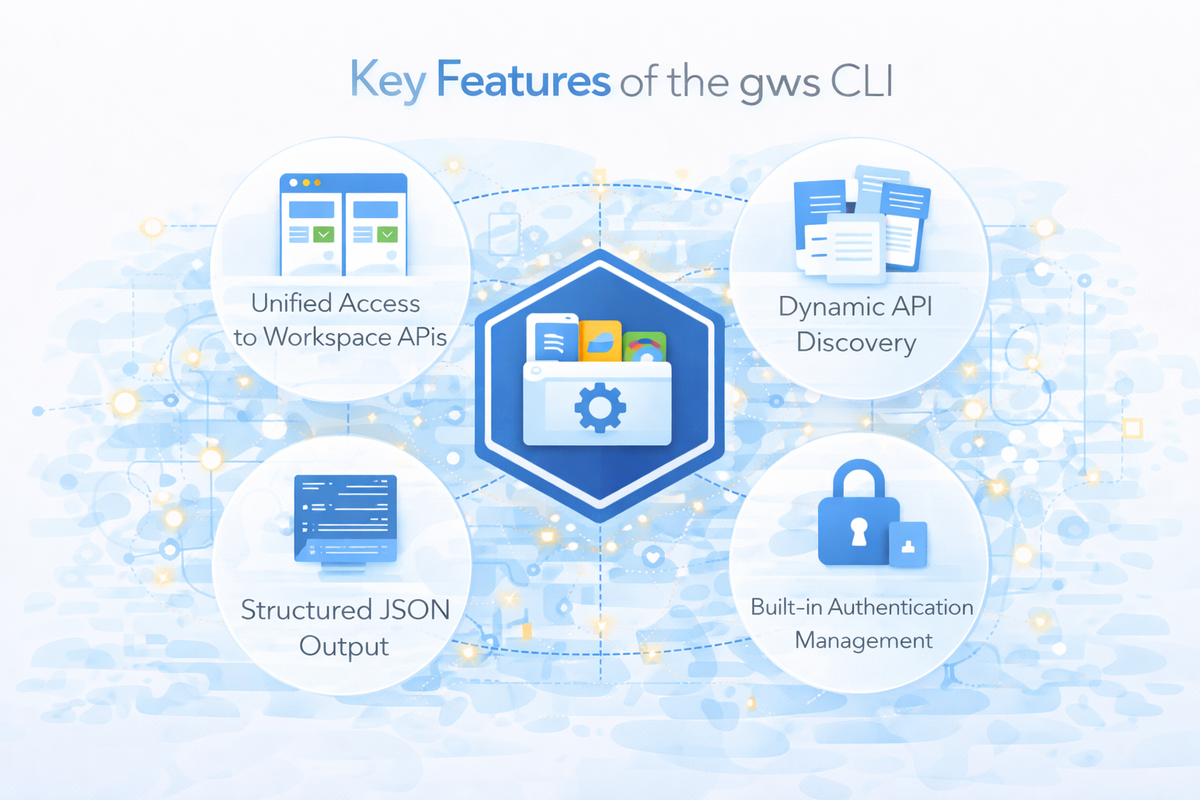
- A unified interface for all Workspace APIs
- Built-in authentication workflows
- Structured JSON outputs
- Simplified automation for scripts and pipelines
This allows developers to focus more on building applications instead of managing API infrastructure.
Key Features of the gws CLI
1. Unified Access to Workspace APIs
The biggest advantage of the gws CLI is that it provides one interface for all Workspace services.
Developers can manage multiple services using a single tool rather than integrating each API separately.
Example commands may include actions such as:
- Listing files from Drive
- Sending Gmail messages
- Accessing Calendar events
- Updating Google Sheets data
This simplifies development workflows significantly.
2. Dynamic API Discovery
Unlike traditional CLI tools with fixed commands, the gws CLI dynamically builds its command structure using Google Discovery Documents.
When a command is executed, the CLI:
- Identifies the target service (e.g., Drive)
- Retrieves the service’s API discovery document
- Generates commands based on available resources and methods
- Executes the request with authentication
Because of this architecture, the CLI automatically supports new API endpoints when Google adds them—without requiring updates to the tool.
3. Structured JSON Output
All responses from the CLI are returned in structured JSON format, making it easy to integrate the tool into:
- data pipelines
- automation scripts
- DevOps workflows
- AI systems
Developers can pipe results directly into tools like jq or other JSON processors for further analysis.
4. Built-in Authentication Management
Handling authentication for APIs can be complex, but the gws CLI simplifies this process.
Developers can run:
gws auth setup
This command initiates an interactive authentication flow that:
- creates or connects to a Google Cloud project
- enables necessary APIs
- completes OAuth authentication
The credentials are stored securely and encrypted on the local system
Integration with AI Agents
One of the most interesting features of the gws CLI is its support for AI agent integration.
The tool includes support for the Model Context Protocol (MCP), allowing AI systems to access Workspace APIs as structured tools.
Running:
gws mcp
starts an MCP server that exposes Workspace services to AI clients.
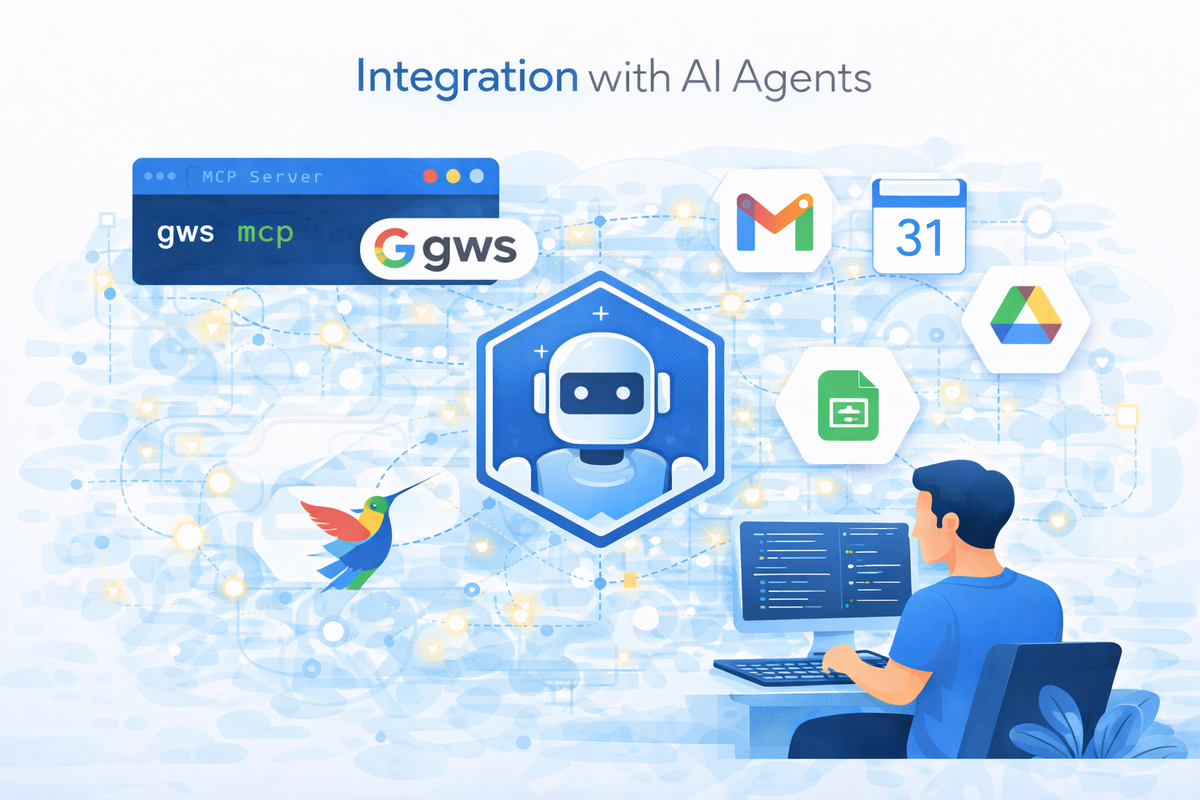
This enables AI agents to perform tasks such as:
- retrieving data from Google Drive
- sending Gmail messages
- scheduling calendar events
- managing Workspace documents
The CLI essentially becomes a bridge between AI systems and enterprise productivity tools.
Automation and Data Pipelines
The gws CLI is also designed for automation workflows.
It supports features like:
- auto-pagination for large datasets
- streaming data outputs
- previewing API requests before execution
- scripting support for CI/CD pipelines
For example, developers can extract data from Google Drive or Sheets and integrate it directly into analytics pipelines.
Real-World Use Cases
Enterprise Workflow Automation
Organizations can automate internal processes like document management, reporting, and data synchronization.
AI Agent Integration
AI assistants can use the CLI as a backend to interact with Workspace services automatically.
DevOps and Data Engineering
Developers can integrate Workspace data into automation scripts and continuous integration pipelines.
Productivity Tools and Applications
Software teams can build applications that interact with Gmail, Calendar, and Drive using simplified commands.
Why This Tool Matters for Developers
The release of the gws CLI reflects a growing trend toward developer-friendly infrastructure and AI-driven automation.
Instead of relying on complex REST integrations, developers can now:
- interact with APIs using simple commands
- automate workflows faster
- integrate Workspace data into AI applications
- build intelligent systems connected to enterprise tools
This dramatically reduces the time required to build integrations and improves developer productivity.
Conclusion
The release of the gws CLI tool marks a significant step forward in simplifying access to Google Workspace APIs. By providing a unified command-line interface, built-in authentication, and support for AI agent integrations, the tool enables developers to build powerful automation workflows and intelligent applications.
As businesses increasingly adopt AI-powered automation and connected systems, tools like the gws CLI will play an important role in bridging enterprise platforms with modern AI technologies.
At Cognyx, we help organizations build intelligent software solutions that integrate modern AI tools, automation frameworks, and scalable cloud technologies to drive digital transformation.
Written by