n8n Now Connects to 422+ Apps with AI Agent Nodes: The Ultimate Automation Guide
Introduction: The Era of Intelligent Automation Is Here
The way businesses automate is undergoing a fundamental transformation. Gone are the days when automation meant rigid, rule-based scripts that broke the moment an API changed. Today, automation is intelligent, adaptive, and context-aware — and n8n is leading the charge.
n8n (pronounced "n-eight-n," short for "nodemation") has quietly evolved from a developer-friendly workflow automation tool into one of the most powerful AI orchestration platforms in the world. With AI Agent Nodes now connecting to 422+ apps and services, n8n is no longer just about moving data from point A to point B. It's about building autonomous systems that reason, decide, and act — all without writing a single line of boilerplate code.
In October 2025, n8n closed a $180 million Series C round at a $2.5 billion valuation, backed by NVIDIA's NVentures. That single fact tells you everything about where the industry is heading: AI orchestration is the new infrastructure layer, and n8n is positioning itself at the center of it.
This guide is your comprehensive deep-dive into n8n's AI Agent capabilities — what they are, how they work, what apps they connect to, and how you can use them to build production-ready automation workflows in 2026.
What Is n8n? A Refresher for 2026
At its core, n8n is an open-source, fair-code workflow automation platform. It uses a node-based visual editor where you drag, drop, and connect "nodes" to create automated workflows. Each node represents an action, a trigger, a logic gate, or an integration with an external app.
What makes n8n fundamentally different from competitors like Zapier or Make.com is its philosophy:
- Self-hostable — Deploy on your own server, your own rules, your own data
- Fair-code licensed — Free for most use cases; enterprise features for teams that need them
- Code-friendly — Write JavaScript or Python directly inside workflows when you need full control
- AI-native — Built-in LangChain integration for AI agents, not bolted on as an afterthought
n8n is not an AI model. It is an AI orchestrator — the conductor that tells OpenAI, Claude, Gemini, or your local Ollama model what to do, when to do it, and how to chain it with the rest of your business systems.
Understanding n8n's AI Agent Architecture
Before jumping into the 422+ integrations, it's critical to understand what "AI Agent Nodes" actually means in n8n's architecture, because the term "agent" gets thrown around loosely.
The Agent vs. Automation Distinction
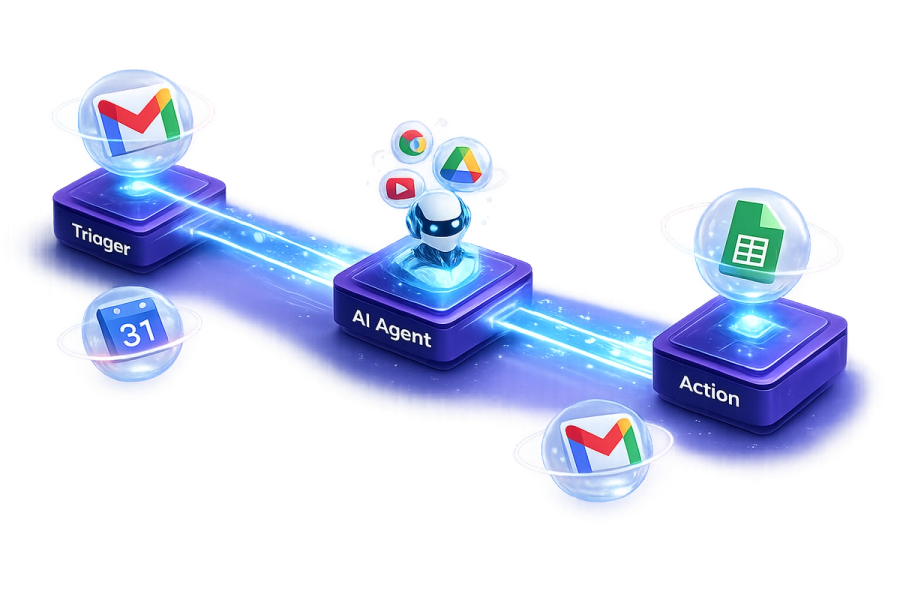
A traditional automation is deterministic: if X happens, do Y. The logic is predefined and static. An AI agent, by contrast, is dynamic — it receives a goal, reasons about how to achieve it, selects tools from a toolkit, executes actions, evaluates results, and loops until the goal is met.
n8n implements this through the ReAct (Reason + Act) paradigm, powered by LangChain under the hood. The agent:
- Receives an input (user query, trigger event, etc.)
- Consults its system prompt and available tools
- Reasons about which tool to call and with what parameters
- Executes the tool (which could be any of the 422+ integrations)
- Observes the result
- Decides whether the goal is achieved or whether to take another action
This loop runs autonomously until the agent produces a final answer or hits a stopping condition.
The Two Core AI Agent Node Types
1. Tools Agent The workhorse of n8n's AI system. The Tools Agent is given a set of "tools" — each tool is essentially a configured n8n node (send an email, query a database, search the web, read a Google Sheet). The underlying LLM decides which tool to call and in what order based on the user's request.
This is where the 422+ integrations come in. Every app n8n supports can potentially be exposed as a tool for the agent to use autonomously.
2. Conversational Agent Optimized for multi-turn conversations within a single workflow execution. Ideal for chatbots and interactive assistants where the user and agent go back and forth. When paired with a Memory node, this agent can maintain context across messages.
The 422+ App Ecosystem: What Can You Actually Connect?
Let's break down the landscape of apps that n8n's AI Agent can connect to and use as tools.
Productivity & Collaboration
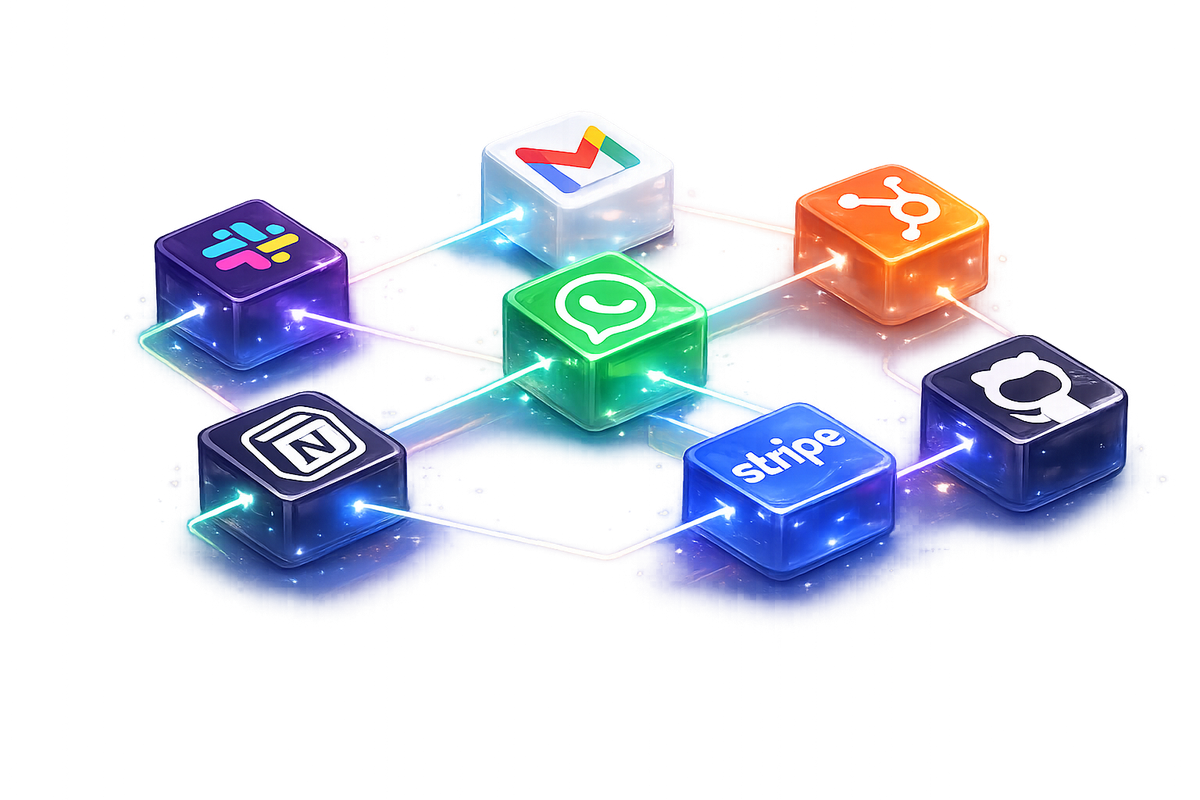
n8n connects deeply with the tools your team already lives in. AI agents can read, write, update, and search across:
- Google Workspace — Gmail, Google Sheets, Google Docs, Google Drive, Google Calendar, Google Slides
- Microsoft 365 — Outlook, Excel, SharePoint, Teams, OneDrive
- Notion — Create pages, update databases, search workspaces
- Airtable — Read and write records, trigger automations on new entries
- Slack — Send messages, create channels, listen to events, post rich blocks
- Discord — Post messages, manage roles, monitor server activity
CRM & Sales
AI agents can autonomously manage your entire sales pipeline:
- HubSpot — Create/update contacts, deals, tasks; trigger sequences
- Salesforce — Query SOQL, update leads, manage opportunities
- Pipedrive — Move deals through stages, log activities
- Zoho CRM — Manage contacts and leads at scale
- Attio — Modern CRM operations for growing teams
Marketing & Content
From content creation to multi-platform publishing, all in one workflow:
- LinkedIn — Automated post scheduling with AI-generated content
- Twitter/X — Post tweets, thread creation, DM responses
- Instagram & TikTok — Media upload, caption generation, scheduling
- YouTube — Upload videos, update metadata, manage playlists
- WordPress — Create and publish posts, update SEO metadata
- Mailchimp / SendGrid / Brevo — Email campaign management, subscriber segmentation
Developer & DevOps Tools
For technical teams building on top of n8n:
- GitHub — Create issues, PRs, trigger CI/CD, read repo contents
- GitLab — Pipeline triggers, MR management
- Jira — Ticket creation, sprint management, status updates
- Linear — Issue tracking for modern engineering teams
- AWS, Google Cloud, Azure — Trigger cloud functions, manage buckets, run queries
- Docker & Kubernetes — Container orchestration triggers
Data & Databases
AI agents that can actually query and modify your data:
- PostgreSQL / MySQL / MongoDB — Run queries, insert/update records
- Supabase — Real-time database with AI-native capabilities
- Redis — Cache reads/writes for high-performance workflows
- Google BigQuery — Run analytics queries and return insights
- Pinecone / Qdrant / Weaviate — Vector database operations for RAG pipelines
Communication & Messaging
AI agents that can communicate across every channel:
- WhatsApp Business — Handle text, voice, images, and PDFs with AI
- Telegram — Bot interactions, file sharing, group notifications
- Twilio — SMS, voice calls, WhatsApp messaging at scale
- Email (IMAP/SMTP) — Any email provider via raw protocol nodes
AI & LLM Providers (The Brains)
n8n connects to all major AI providers for the reasoning layer:
- OpenAI — GPT-5, GPT-4o, DALL-E, Whisper, Embeddings
- Anthropic — Claude Opus, Sonnet, and Haiku models
- Google — Gemini 2.5 Pro/Flash, PaLM
- Mistral AI — Mixtral and other open models via API
- Ollama / LM Studio — Local models for private, offline deployments
- Hugging Face — Access to thousands of open-source models
Key AI Agent Features Deep Dive
Memory Management: Making Agents Remember
One of the most powerful — and most misunderstood — aspects of n8n's AI agents is memory. Without memory, an agent has no awareness of previous interactions. Every run is a blank slate.
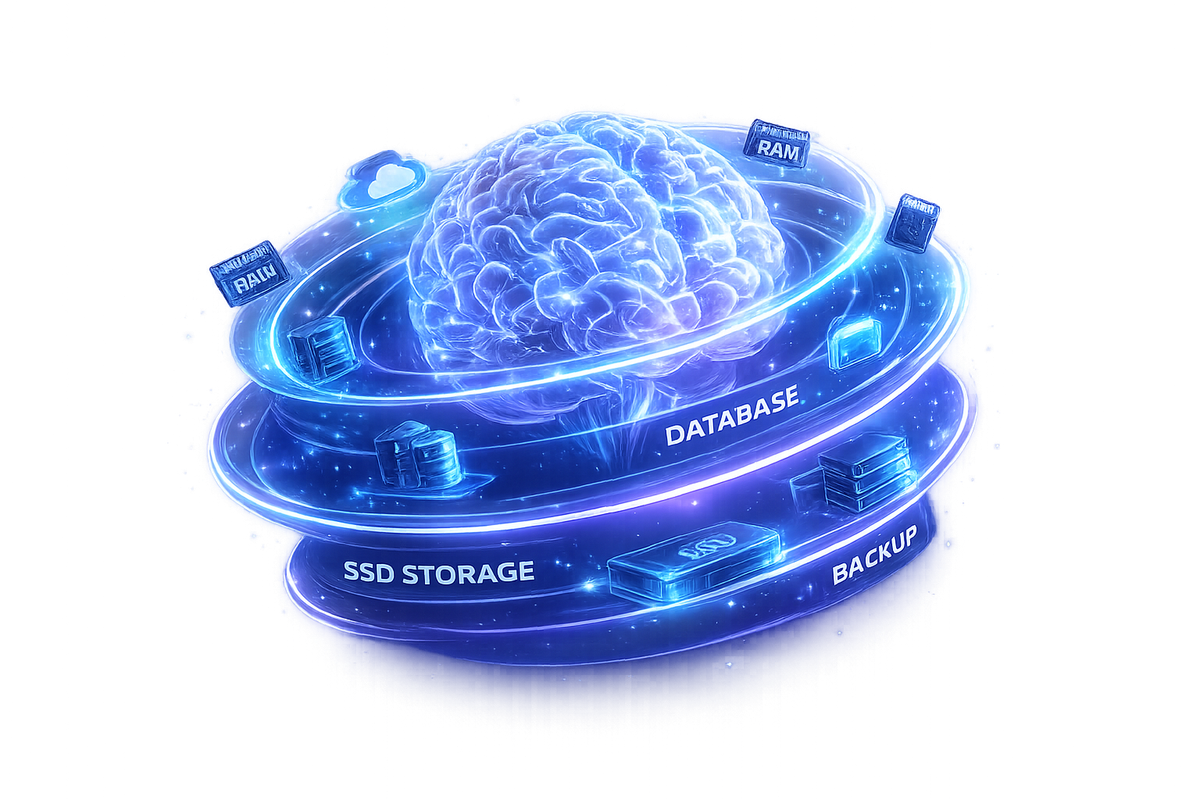
n8n supports multiple memory architectures:
Window Buffer Memory Stores the last N messages in the conversation window. Lightweight and fast. Best for chatbots where only recent context matters. Configured directly as a sub-node on the AI Agent node.
Buffer Memory Stores the full conversation history for the current session. Heavier but more contextually complete.
Supabase / PostgreSQL Memory For long-term memory that persists across sessions. The agent can remember a user's preferences, past requests, and historical context stored in a database. This is how you build AI assistants that genuinely feel like they know you.
Redis Memory High-speed session memory for real-time, low-latency agent interactions.
Zep Memory Purpose-built conversational memory with semantic search, allowing the agent to recall relevant past interactions even from thousands of messages ago.
RAG (Retrieval-Augmented Generation): Agents That Know Your Data
RAG is one of n8n's most powerful enterprise capabilities. Rather than relying purely on the LLM's training data, you can give your agent access to your proprietary knowledge base.
The workflow looks like this:
- Ingest — Documents from Google Drive, Notion, S3, websites, or databases are chunked and embedded using an embedding model (OpenAI, Google, or local)
- Store — Vector embeddings are stored in Pinecone, Qdrant, Supabase's pgvector, or Weaviate
- Retrieve — When the agent receives a query, it semantically searches the vector store for relevant chunks
- Generate — The LLM generates its response grounded in the retrieved context
The result: an AI agent that can answer questions about your internal documentation, past client conversations, product catalogs, or any proprietary dataset — accurately, without hallucinating.
The "Think" Node: Making Agents Smarter
One of n8n's most impactful recent additions is the "Think" Node — a dedicated reasoning step that can reportedly make your AI agent 3x more accurate on complex tasks.
Before taking an action, the Think Node prompts the LLM to reason through the problem step by step (chain-of-thought reasoning). This dramatically reduces tool-call errors, logic mistakes, and hallucinations on multi-step tasks.
It's the difference between an agent that guesses and one that deliberates.
Tool Calling: How Agents Use Your Apps
When you configure an AI Agent node in n8n, you attach "tools" to it. Each tool is a configured sub-node that the LLM can invoke. You define:
- What the tool does (its function description — this is what the LLM reads to decide when to use it)
- What parameters it accepts (the LLM fills these in based on context)
- What it returns (the LLM reads this to decide the next step)
For example, you might give your agent these tools:
search_google_sheets— Query a spreadsheet for customer datasend_slack_message— Notify the teamcreate_hubspot_deal— Log a new deal in CRMgenerate_email— Draft a follow-up email with GPT
A single incoming webhook from your website could trigger the agent to: look up the customer, check their deal history, draft a personalized email, create a CRM deal, and notify sales — all autonomously.
Sub-Workflows: Modular Agent Architecture
For complex agents, n8n supports sub-workflow calls — your main agent can trigger entire secondary workflows as tools. This enables a multi-agent architecture where:
- A supervisor agent receives the high-level task
- It delegates to specialist agents (a researcher, a writer, a data analyst)
- Each specialist executes its workflow and returns results
- The supervisor synthesizes everything into a final output
This mirrors how high-performing human teams actually work, and it's now achievable in n8n without any custom code.
Real-World Automation Blueprints
Blueprint 1: AI-Powered Lead Intelligence System
Trigger: New form submission on your website
What happens:
- Webhook receives lead data (name, email, company)
- AI Agent calls an enrichment tool (Clearbit, Apollo) to fetch company data
- Agent researches the company website via web scraping tools
- Agent scores the lead based on ICP criteria using GPT-4
- High-value leads → create HubSpot deal + assign to sales rep + send personalized intro email
- Low-value leads → add to nurture sequence in Mailchimp
- Slack notification sent to the sales channel with the AI-written lead summary
Time saved: What used to take a SDR 30 minutes per lead is now done in under 30 seconds.
Blueprint 2: Autonomous Content Factory
Trigger: Scheduled daily at 7 AM
What happens:
- HTTP Request node fetches trending topics from RSS feeds, Reddit, and industry APIs
- AI Agent (with web search tool) researches each topic and identifies the most relevant angle for your audience
- Agent drafts a LinkedIn post, a Twitter thread, and a short blog summary using GPT-5
- DALL-E or Stable Diffusion generates a custom image
- Posts scheduled on LinkedIn, Twitter, and Instagram via their respective nodes
- Blog post draft saved to Notion or WordPress for human review
Result: Consistent, researched, on-brand content across all channels — on autopilot.
Blueprint 3: AI Customer Support Agent with Escalation
Trigger: New message on WhatsApp, Telegram, or email
What happens:
- Incoming message received
- AI Agent with RAG access to your product documentation, FAQ, and past support tickets
- Agent classifies: Can I resolve this? Yes → generate and send resolution
- If the issue is complex: Agent creates a Jira ticket, pulls the customer's history from CRM, drafts a summary for the human agent, and sends an acknowledgment to the customer
- Resolved tickets are logged back to the vector store as new knowledge, continuously improving the system
Result: 70-80% of support tickets resolved without human intervention, with seamless escalation when needed.
Blueprint 4: AI Voice Receptionist
Trigger: Incoming phone call (via Twilio or Retell AI)
What happens:
- Call received → Retell AI handles voice conversation using ElevenLabs TTS
- Speech-to-text converts caller input in real time
- n8n AI Agent processes the request (book appointment, answer query, collect info)
- Google Calendar checked for availability, appointment booked
- Confirmation SMS sent via Twilio
- Lead data saved to CRM
Result: 24/7 AI receptionist that books appointments, answers questions, and qualifies leads — no human needed for routine calls.
n8n vs. Zapier vs. Make.com: A Realistic 2026 Comparison
| Feature | n8n | Zapier | Make.com |
| AI Agent Nodes | Native, LangChain-powered | Limited, basic AI steps | Limited AI support |
| Pricing model | Free self-host; Cloud from ~$20/mo | Per-task pricing (expensive at scale) | Per-operation pricing |
| Integrations | 400–500+ | 6,000+ | 1,500+ |
| Self-hosting | Yes, Docker/NPM | No | No |
| Custom code | JavaScript + Python nodes | Limited | JavaScript only |
| RAG / Vector DB | Native support | No | No |
| Multi-agent workflows | Yes | No | No |
| Memory management | Multiple options | No | No |
| Data privacy | Full (self-hosted) | Data on Zapier servers | Data on Make servers |
| Open-source | Fair-code (almost) | Proprietary | Proprietary |
| LLM providers | 10+ including local | 2–3 | Limited |
The verdict: Zapier wins on breadth of integrations and ease of setup for simple use cases. But for anything involving AI agents, complex logic, data privacy, or scale — n8n wins decisively.
Deployment Options: From Laptop to Enterprise
Option 1: n8n Cloud
The managed SaaS offering. No server setup required. Plans start at around $20/month. Best for teams who want to get started quickly without DevOps overhead.
Option 2: Self-Hosted via Docker
The most popular option for technical teams. A single Docker command gets you running:
docker volume create n8n_data
docker run -it --rm --name n8n -p 5678:5678 \
-v n8n_data:/home/node/.n8n \
docker.n8n.io/n8nio/n8n
For production, pair this with PostgreSQL (for workflow storage), Redis (for queue mode), and an Nginx/Caddy reverse proxy with SSL termination.
Option 3: Queue Mode for Scale
For high-volume workflows with 10,000+ executions per day, n8n's queue mode distributes work across multiple worker processes. Each worker picks up jobs from a Redis queue independently, enabling near-linear horizontal scaling.
Option 4: Air-Gapped Enterprise Deployment
For enterprise customers with strict data residency or air-gapped requirements, n8n's Enterprise license supports fully offline deployments with all AI models running locally via Ollama.
Security Best Practices for Production n8n
Running AI agents that have access to your CRM, email, and databases means security is non-negotiable.

Credential management: Always use n8n's built-in credential vault — never hard-code API keys in workflow nodes. The vault encrypts credentials at rest.
Network isolation: Bind n8n to localhost:5678 only. Route all external traffic through a reverse proxy (Nginx or Caddy) with HTTPS enforced.
Database isolation: PostgreSQL and Redis should be on internal network interfaces only, never exposed to the public internet.
Role-Based Access Control (RBAC): Introduced in n8n 2.0, RBAC lets you define exactly which team members can view, edit, or execute which workflows. Principle of least privilege applies.
Audit logging: Enterprise tier logs every workflow execution, credential access, and configuration change for compliance and incident investigation.
Webhook authentication: Any public webhook endpoint should be protected with header-based authentication tokens or signature verification to prevent abuse.
The n8n Self-Hosted AI Starter Kit
n8n maintains an officially supported Self-Hosted AI Starter Kit — a Docker Compose configuration that spins up a complete local AI stack including:
- n8n itself
- Ollama (local LLM runner)
- Qdrant (vector database for RAG)
- PostgreSQL (workflow persistence)
This kit lets you run entirely private AI agent workflows with local models like Llama 3, Mistral, or Phi-3 — no data ever leaves your infrastructure. For industries with strict compliance requirements (healthcare, finance, legal), this is a game-changer.
Getting Started: Your First AI Agent in n8n
If you're new to n8n, here's the fastest path to your first working AI agent:
Step 1: Sign up or self-host Go to n8n.io and start a free cloud trial, or run the Docker command above for local setup.
Step 2: Create a new workflow Click "New Workflow" in the n8n editor.
Step 3: Add a trigger Start with a "Chat Trigger" node — this gives you an instant chat interface to test your agent.
Step 4: Add an AI Agent node Search for "AI Agent" in the node panel. Drag it onto the canvas and connect it to your trigger.
Step 5: Configure the LLM Click "Add Chat Model" sub-node. Choose OpenAI (requires your API key) or Ollama (free, local). Select your model.
Step 6: Add tools Click "Add Tool" and connect integration nodes — start with something simple like a Google Sheets lookup or a web search.
Step 7: Write your system prompt Tell the agent its role, constraints, and goals. This is the most important configuration step.
Step 8: Test it Use the built-in chat window to interact with your agent. Watch the execution logs to see the agent's reasoning in real time.
Step 9: Connect real triggers Replace the Chat Trigger with a Webhook, Schedule, or app-specific trigger (e.g., "New email in Gmail") to make it fully autonomous.
The Future of n8n: What's Coming
With the $180M Series C funding specifically earmarked for AI orchestration capabilities, the roadmap ahead is ambitious:
- Native MCP (Model Context Protocol) support — n8n is embracing Anthropic's open standard for tool use, meaning Claude and other MCP-native models will integrate even more naturally
- Expanded enterprise governance — More granular audit trails, compliance reporting, and policy enforcement
- Native multi-agent orchestration — First-class UI for defining agent teams and supervision hierarchies
- Enhanced observability — Workflow-level tracing, token usage monitoring, cost tracking per execution
The platform is clearly evolving from a workflow tool into the de facto infrastructure layer for enterprise AI operations.
Why CognyX AI Works with n8n
At CognyX AI, we've built and deployed n8n-based AI agent systems for businesses across industries — from AI-powered lead qualification for SaaS companies to RAG-based internal knowledge assistants for enterprises to autonomous content pipelines for media brands.
What consistently impresses us about n8n is not just the breadth of its integrations, but the depth of its AI orchestration capabilities. The combination of visual workflow building, native LangChain integration, support for every major LLM provider, and the freedom of self-hosting creates a platform that's genuinely production-ready for serious business automation.
If you're looking to build intelligent automation workflows powered by AI agents — or if you want to evaluate whether n8n is the right fit for your specific use case — our team is ready to help.
Conclusion
n8n's AI Agent Nodes connecting to 422+ apps isn't just a product feature announcement — it represents a fundamental shift in what's possible for business automation. We're moving from "if this, then that" to "given this goal, figure it out and get it done."
The businesses that understand this shift and start building AI agent infrastructure today will have an enormous competitive advantage over those who wait. The tools are mature, the ecosystem is rich, and the investment case is clear.
Written by