How n8n is Replacing Traditional RPA: A Practical Guide for Businesses
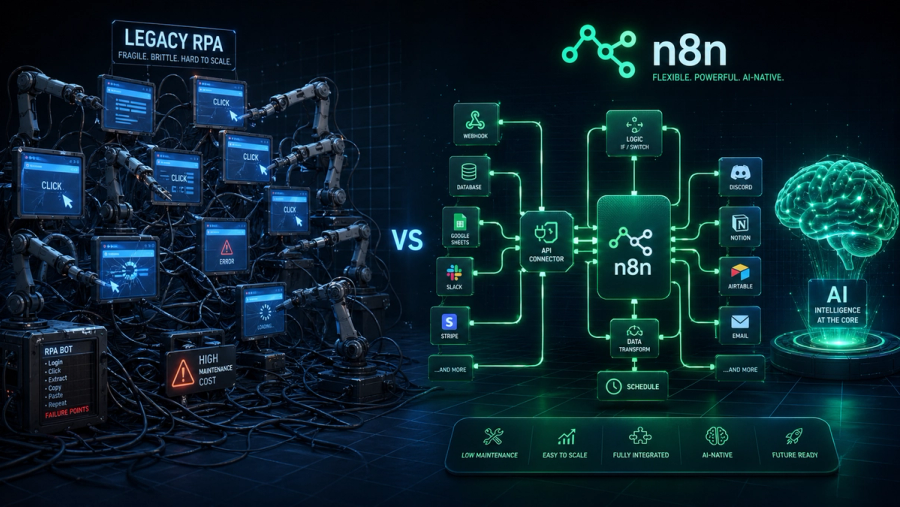
If you're running a business in 2026 and still paying six-figure licensing fees for RPA bots that break every time a UI changes, this guide is for you. Traditional Robotic Process Automation promised to automate everything. n8n is actually delivering on that promise — at a fraction of the cost, without vendor lock-in, and with native AI built right in.
A Quick Introduction
What is Traditional RPA?
Robotic Process Automation (RPA) emerged in the 2010s as a breakthrough for business automation. Tools like UiPath, Blue Prism, and Automation Anywhere let companies automate repetitive, rule-based workflows by deploying software "bots" that mimicked human actions — clicking, copying, pasting — across desktop and web applications.
For a few years, it worked. Banks automated loan processing. Insurance companies streamlined claims. HR departments automated onboarding paperwork. The pitch was compelling: automate what your software can't natively connect, without rewriting your entire stack.
What is n8n?
n8n (pronounced "n-eight-n") is an open-source workflow automation platform that lets businesses connect apps, APIs, databases, and AI models using a visual, node-based editor. Unlike RPA which acts on UIs, n8n works at the API and data layer — making automations far more stable, fast, and flexible.
Founded in 2019, n8n now has over 400+ native integrations and a thriving community of 50,000+ automation builders. It can be self-hosted for full data sovereignty, or run on n8n's managed cloud. And unlike RPA platforms, it's code-friendly — every node can be extended with JavaScript or Python.
Why Traditional RPA is Struggling in 2026
The RPA honeymoon is over. Enterprise IT teams are quietly shelving bots that break every time a UI changes. CFOs are questioning five-figure per-bot annual licenses. And developers are asking why they can't just use APIs.
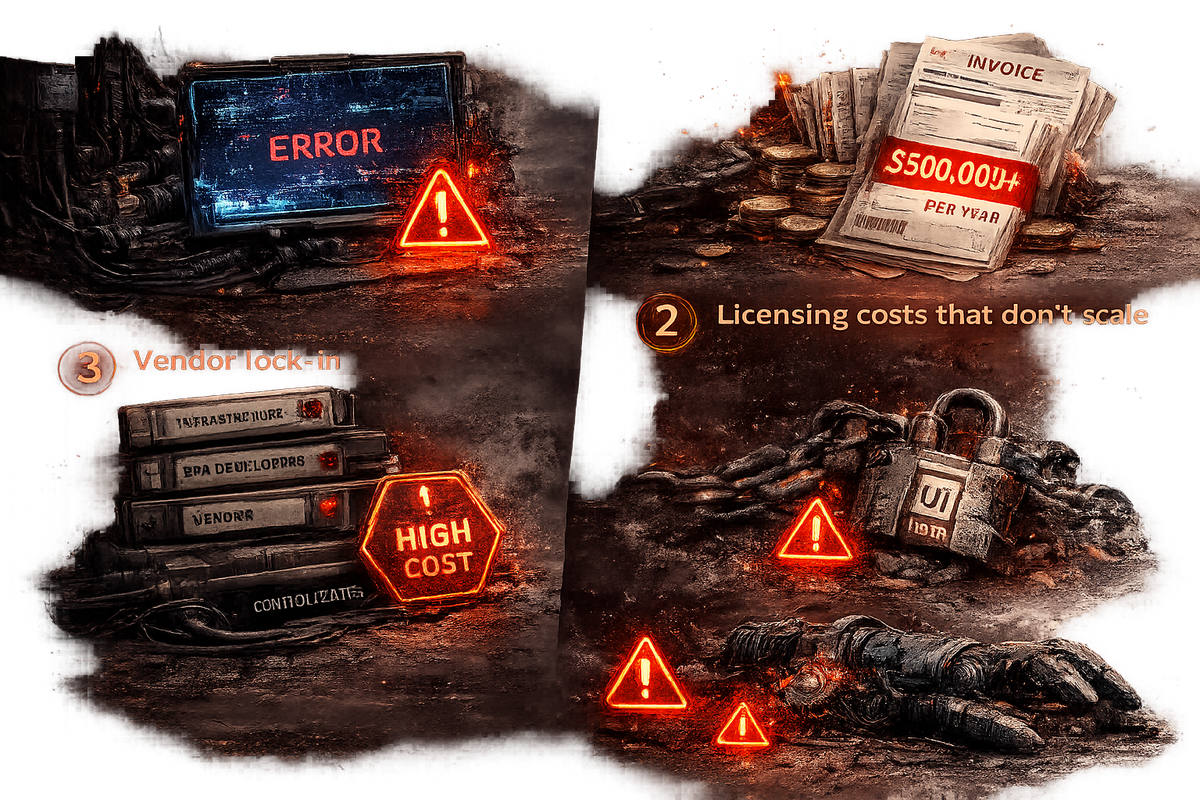
Here's what went wrong with the traditional RPA model:
1. Fragility at scale Screen-scraping bots break every time a UI updates — a button moves, a dropdown changes, and your entire automation halts. At scale, this creates a full-time bot maintenance job that nobody budgeted for.
2. Licensing costs that don't scale Enterprise RPA platforms charge per bot, per process, per user. A 50-bot deployment can cost $500,000+ per year in licensing alone — before implementation and maintenance costs are added.
3. Vendor lock-in Moving from UiPath to anything else is a multi-year migration project. Your automations live inside a proprietary format that no other platform can read or import.
4. Zero AI-nativeness Legacy RPA was designed for rule-based tasks. Bolting AI onto a bot framework built in 2015 is an architectural nightmare — and the results show it.
5. High implementation overhead A typical enterprise RPA deployment requires dedicated RPA developers, an infrastructure team, a center of excellence, and ongoing vendor support. The total cost of ownership is rarely disclosed upfront.
"RPA was never meant to be a permanent solution — it was a workaround. The fundamental architecture of screen-scraping bots was always fragile. n8n was built for a world where APIs and AI exist."
n8n vs Traditional RPA: Head-to-Head Comparison
| Category | Traditional RPA | n8n |
| Automation Layer | UI / screen-scraping | API / data layer |
| Reliability | Fragile — breaks on UI change | Stable — API-based |
| Licensing Model | Per bot / per process (costly) | Flat rate or free self-hosted |
| Vendor Lock-in | High — proprietary format | None — open source, portable |
| AI Integration | Limited — retrofitted | Native — LLM nodes built-in |
| Technical Skill Required | Dedicated RPA developer + CoE | Low-code + optional JS/Python |
| Time to Deploy | Weeks to months | Hours to days |
| Self-Hosting | No | Yes — full data control |
| Community & Templates | Vendor-controlled | Open community, 800+ templates |
| Scalability Cost | Scales exponentially with bots | Flat — scales without added cost |
For most mid-market and enterprise workflows that don't require legacy desktop UI interaction, n8n delivers equivalent or superior automation at 10–20% of the annual cost of a comparable RPA setup.
What Makes n8n Different
- Open-source with full self-hosting option — no vendor lock-in
- Works via APIs and webhooks, not screen-scraping
- Native AI integration: connect GPT-4, Claude, Gemini, and local LLMs directly in workflows
- Visual low-code editor plus full code access via JavaScript and Python nodes
- Flat pricing — unlimited workflows, no per-bot fees
- Community templates and 400+ prebuilt integrations
Real-World Use Cases: Where Businesses Are Switching
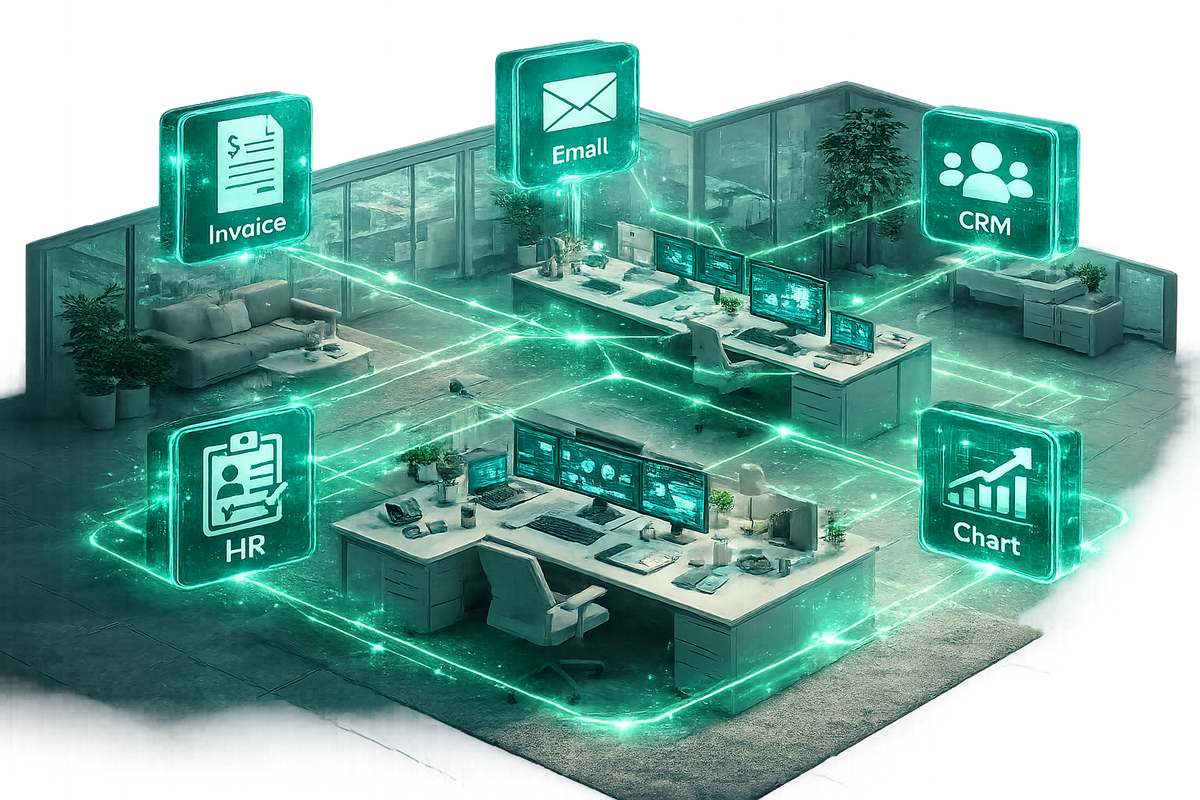
Lead and CRM Automation Route inbound leads from website forms, enrich with Clearbit, score with AI, and push to HubSpot — all in one workflow that runs automatically 24/7.
Invoice Processing Extract data from PDF invoices using Claude or GPT-4, validate against ERP records, and trigger payment approval workflows — no human in the loop required.
AI Customer Support Triage support tickets, generate AI-powered draft replies, escalate complex issues, and update your helpdesk — fully automated end-to-end.
Reporting and Analytics Pull data from multiple SaaS tools, aggregate in a database, generate AI summaries, and email stakeholder reports on a schedule — with no manual effort.
HR and Onboarding Trigger onboarding sequences in Slack, provision software access, send DocuSign contracts, and update your HRIS automatically the moment a new hire is confirmed.
E-commerce Operations Sync inventory across Shopify, Amazon, and your 3PL. Trigger reorder workflows, notify teams, and update dashboards in real time without any manual data entry.
How to Migrate from RPA to n8n: A Practical Roadmap
You don't need to rip out your entire RPA investment overnight. The smartest teams start with a parallel build — migrate one workflow at a time, prove the ROI, and let the business case speak for itself.
Step 1: Audit your current bot inventory Map every active RPA bot — what it does, how often it runs, how often it breaks, and what it costs. This becomes your migration priority list.
Step 2: Identify API-first candidates Any bot that interacts with a SaaS application (Salesforce, Slack, Google Workspace, SAP, etc.) is an immediate n8n candidate. These apps have robust APIs that n8n connects natively.
Step 3: Run a pilot on 2–3 high-cost bots Pick your most expensive or most maintenance-heavy RPA bots. Rebuild them in n8n. Measure reliability, speed, and cost reduction. Use these results to build internal buy-in.
Step 4: Deploy and iterate Unlike RPA, n8n workflows can be updated in minutes. As your business processes change, update your automation in the visual editor — no specialist required.
Step 5: Add AI where it creates value Once your foundation is stable, layer in AI nodes — document parsing, intelligent routing, AI-generated summaries, or LLM-powered decision making. This is where n8n truly outpaces legacy RPA.
When to keep RPA: There are still valid cases for traditional RPA — specifically legacy desktop applications with no API access (old mainframe UIs), workflows that require real physical mouse and keyboard control on a desktop, and heavily regulated environments where your RPA vendor is pre-approved by compliance.
Final Thoughts
Traditional RPA served a real purpose — but it was always a workaround for a world where software didn't have APIs. That world no longer exists. In 2026, almost every business application exposes a robust API, and AI can handle the edge cases that used to require a human.
n8n represents the next generation of business automation: open, flexible, AI-native, and built for developers and non-developers alike. It doesn't replace the need for thoughtful automation design — but it dramatically lowers the barrier to building, deploying, and maintaining workflows that actually work.
For businesses still paying six-figure RPA licensing fees for automations that break twice a month, the question isn't whether to migrate. It's how fast.
Written by