Docker for Small Business: The Smartest Way to Save Time, Cut Costs & Scale Faster
Introduction: The Invisible Profit Killers
For many small businesses, deployment isn’t just a technical step — it’s the most stressful part of the week.
You’ve likely seen it happen:
A developer pushes an update…
…and suddenly:
- The website goes down for hours
- Customers can’t complete transactions
- Support teams are overwhelmed with complaints
The root cause? Environment mismatch.
In the tech world, this is famously known as the “it works on my machine” problem — where an application runs perfectly in development but breaks in production.
While it may seem like a minor technical issue, the reality is far more serious. These inconsistencies lead to:
- Lost revenue from downtime
- Reduced team productivity
- Damaged customer trust
This is where Docker changes the game.
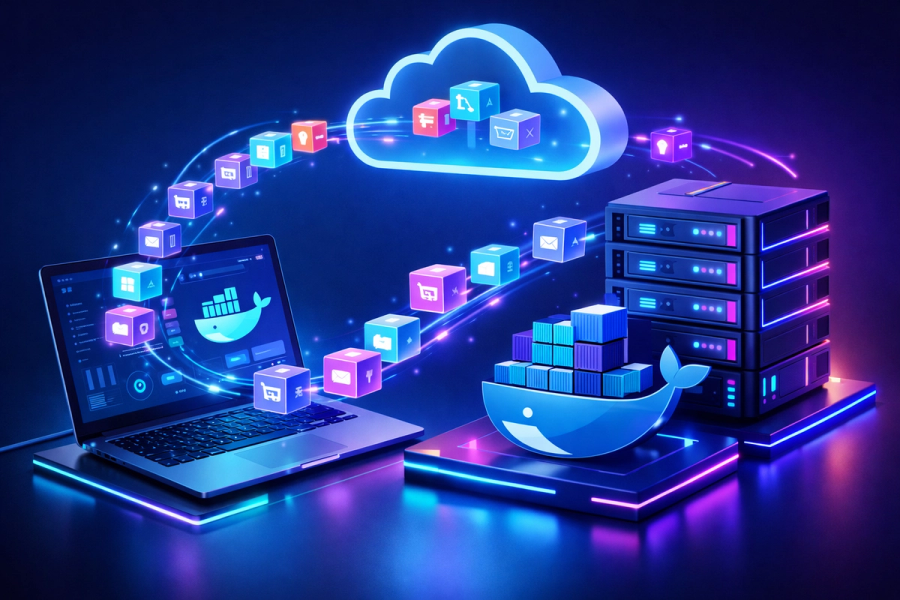
Docker isn’t just a tool for developers — it’s a strategic solution that eliminates these invisible profit killers by ensuring your application runs consistently, anywhere.
Docker: The “Shipping Container” Revolution
Before the era of standardized shipping containers, global trade was inefficient and fragile.
Workers had to manually load and unload:
- Sacks of grain
- Barrels of oil
- Crates of fragile goods
This process was slow, error-prone, and expensive. Goods were frequently damaged or delayed.
Then came the standard shipping container — a simple but revolutionary idea:
Everything fits into one standardized box, and that box can move seamlessly across ships, trucks, and trains.
Docker applies this exact principle to software.
Instead of managing separate components like:
- Application code
- Dependencies
- System configurations
Docker packages everything into a single unit called a container image.
The result:
- Your application runs identically acrss all environments
- No more compatibility issues
- Seamless transition from development → testing → production
Whether it’s running on a developer’s laptop or a large-scale cloud server, the behavior remains consistent, predictable, and reliable.
What is Docker
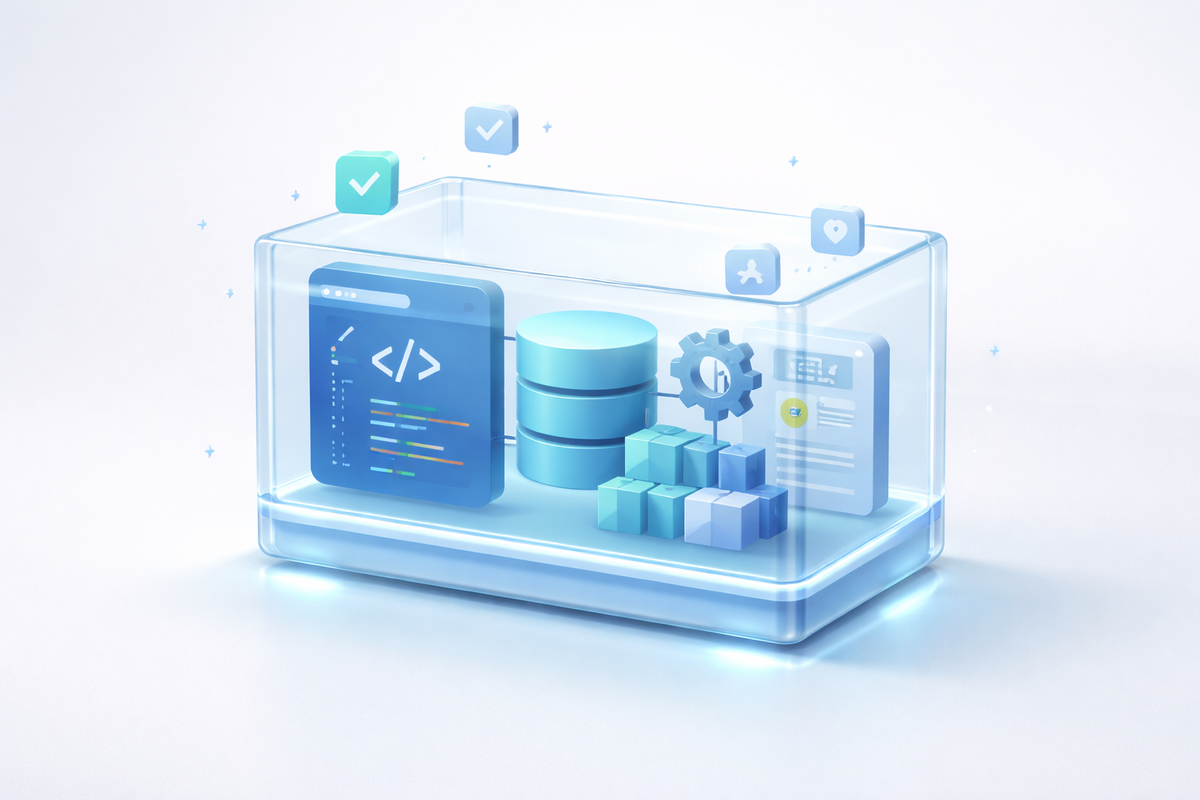
Docker packages your entire application into a portable container that includes:
- Code
- Dependencies
- Runtime environment
Think of it like a standard shipping container for software.
Just like shipping containers work on any ship or truck, Docker containers run:
- On a developer’s laptop
- On staging servers
- On cloud platforms
Result: Zero environment mismatch
The Real Problems Small Businesses Face
1. Environment Inconsistency
- One of the most common — and frustrating — challenges small businesses face is environment inconsistency. Development, testing, and production environments often have slight differences in configurations, dependencies, or system settings. While these differences may seem minor, they can lead to unpredictable bugs that only appear after deployment.
- This results in delayed releases, increased debugging time, and unnecessary stress for development teams. What should be a simple update often turns into hours (or even days) of troubleshooting, slowing down business operations.
2. Cloud Cost Waste
- Many small businesses unknowingly overspend on cloud infrastructure. A common approach is to run one application per server or virtual machine, which leads to significant underutilization of resources.
- In reality, a large portion — often 60% to 80% — of computing capacity remains unused. Despite this inefficiency, businesses continue to pay for the full server cost, leading to inflated monthly expenses that directly impact profitability.
3. Slow and Risky Deployments
- Traditional deployment processes are often manual and error-prone. Each release involves multiple steps, configurations, and checks — increasing the chances of human error.
- Even a small mistake can result in application downtime, broken features, or failed updates. This not only disrupts operations but also affects customer experience and brand reliability. Over time, these risks make teams hesitant to release updates frequently, slowing innovation.
4. Scaling Nightmares
- Handling growth is another major challenge. When traffic suddenly spikes — during a sale, campaign, or product launch — systems that are not designed to scale efficiently often struggle to keep up.
- This can lead to crashes, slow performance, and lost business opportunities. Scaling traditional infrastructure usually requires expensive upgrades or complex configurations, making it both costly and difficult for small businesses to respond quickly to demand.
How Docker Saves Time
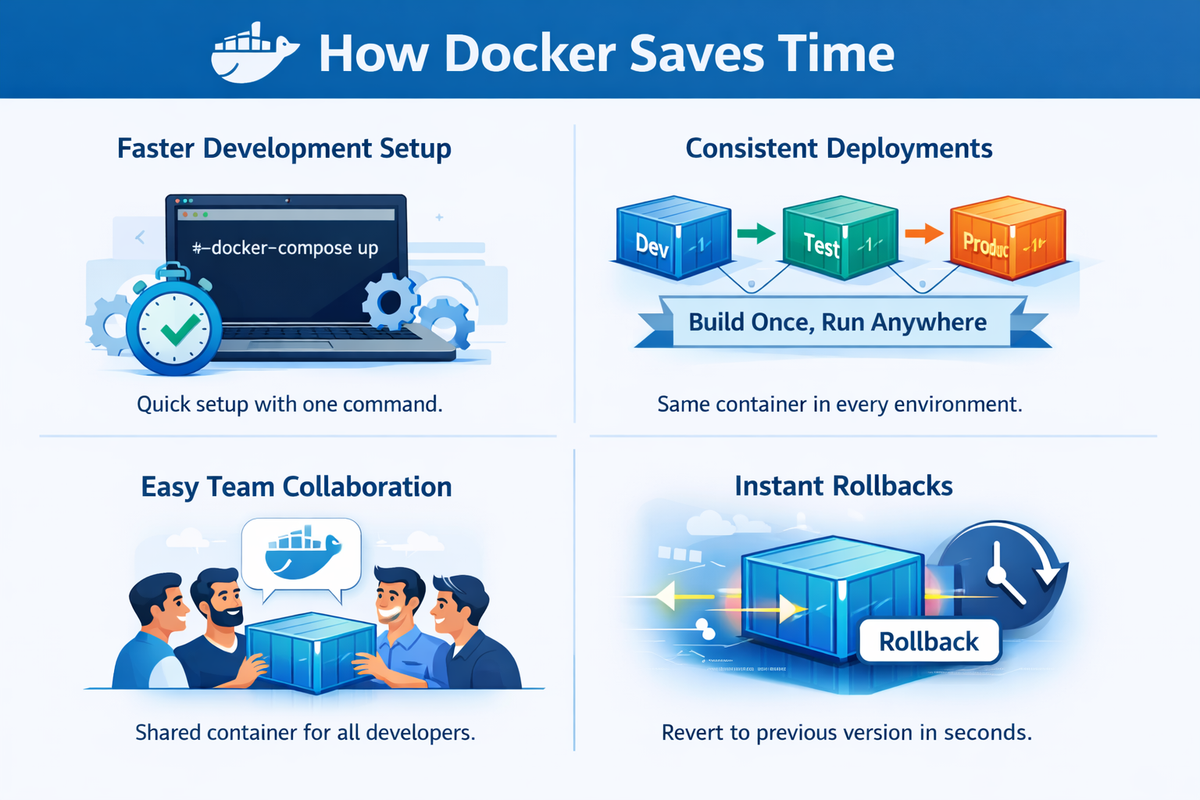
1. Faster Development Setup
- Setting up a development environment is often one of the most time-consuming parts of starting or joining a project. Developers typically spend hours installing dependencies, configuring systems, and troubleshooting compatibility issues.
- With Docker, this entire process becomes dramatically simpler. Instead of manual setup, a single command like
docker-compose upcan spin up the complete environment in minutes. - The result is immediate productivity — developers can focus on writing code rather than fixing setup issues.
2. Consistent Deployments
- One of the biggest advantages of Docker is consistency. Traditionally, applications behave differently across environments such as development, testing, and production due to configuration differences.
- Docker eliminates this problem by allowing you to build once and run anywhere. The same container that works on a developer’s machine will behave exactly the same in testing and production.
- This removes uncertainty, reduces deployment risks, and ensures smoother releases without unexpected surprises.
3. Easy Team Collaboration
- Collaboration in traditional setups often involves lengthy documentation, environment setup guides, and frequent version conflicts between team members.
- Docker simplifies collaboration by standardizing the environment. Instead of sharing instructions, teams can share a container that includes everything needed to run the application.
- This ensures that every developer works on the exact same setup, eliminating inconsistencies and significantly improving team efficiency.
4. Instant Rollbacks
- When a deployment goes wrong, fixing the issue in traditional systems can take hours of debugging and manual intervention.
- Docker provides a much faster alternative. Since each version of an application is packaged as a container, rolling back simply means switching to a previous version.
- This process takes seconds instead of hours, minimizing downtime and protecting the business from potential losses.
How Docker Saves Money
1. Better Resource Utilization
Unlike heavy virtual machines:
- Containers share the same OS
- Run multiple apps on one server
Result: 30–50% lower hosting costs
2. Reduced DevOps Dependency
No need for large infrastructure teams.
Docker simplifies:
- Deployment
- Environment management
3. Efficient Cloud Usage
Works seamlessly with:
- Amazon Web Services
- Microsoft Azure
Scale up/down instantly and pay only for what you use
4. Faster Time-to-Market
Launch faster → earn faster.
Before vs After Docker
| Feature | Traditional Setup | Docker Approach |
| Deployment | Manual & risky | Automated & consistent |
| Scaling | Expensive servers | Lightweight containers |
| Setup Time | Hours/Days | Minutes |
| Rollbacks | Complex | Instant |
| Resource Usage | Inefficient | Optimized |
Simple Docker Workflow
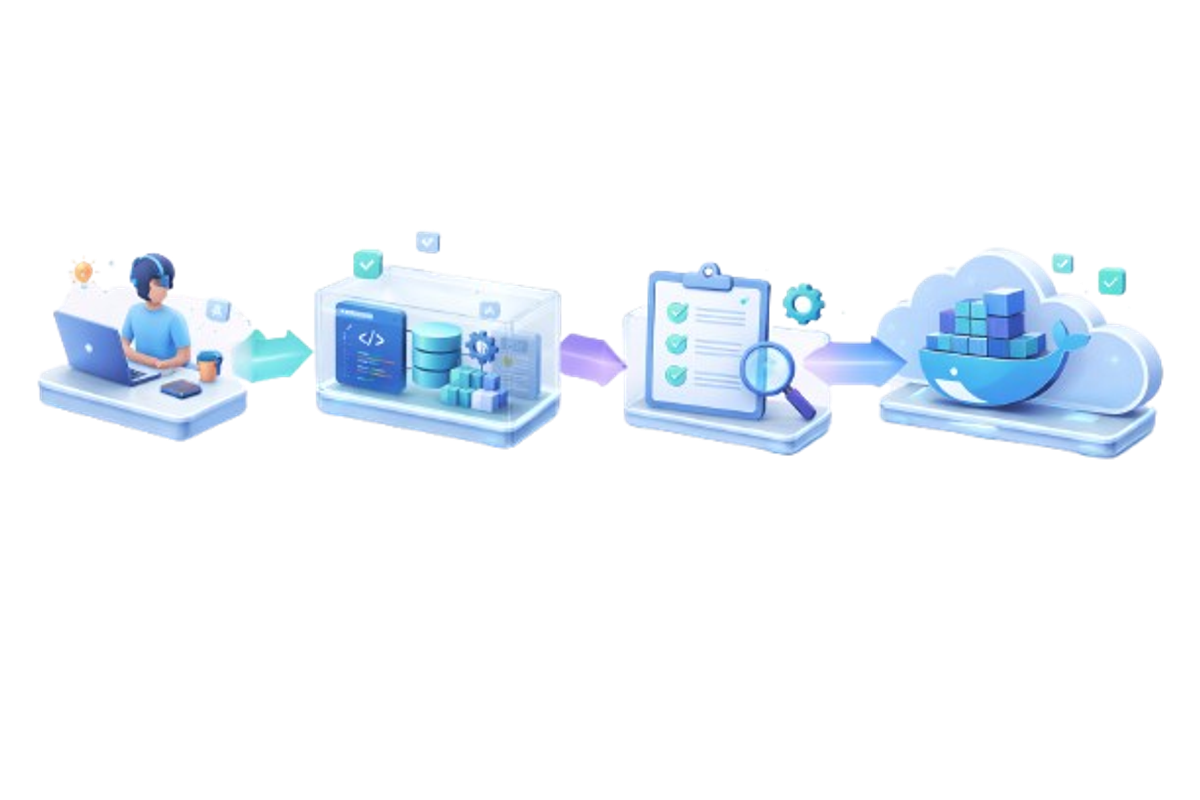
- Adopting Docker doesn’t require complex processes. In fact, one of its biggest strengths is how it simplifies the entire application lifecycle.
- A typical Docker workflow starts with building your application, followed by packaging it into a Docker image that includes all required dependencies and configurations. This image is then used to run a container, which can be tested in an isolated and consistent environment. Once verified, the same container is deployed to production — without any changes.
- The key advantage here is consistency. The exact same container runs across development, testing, and production environments, eliminating unexpected issues. This “build once, run anywhere” approach ensures reliability and removes deployment surprises entirely.
When Docker is NOT Necessary
- While Docker offers significant advantages, it’s important to recognize that it’s not always the right solution for every scenario.
- For very simple use cases — such as static websites, basic landing pages, or applications without backend logic — introducing Docker can add unnecessary complexity. Similarly, if there is no requirement for scaling or managing multiple environments, the overhead of containerization may outweigh its benefits.
- In such cases, keeping the setup simple is often the smarter choice. The goal should always be efficiency, not adopting technology for its own sake.
How to Get Started Without a Huge Budget
You don’t need a $200k/year DevOps engineer to start.
- Containerize a Pilot Project: Choose one small internal tool or a staging site.
- Use Managed Services: Platforms like DigitalOcean App Platform or AWS App Runner handle the "hard part" of Docker for you.
- Standardize the Dev Environment: Even if you don't deploy with Docker yet, have your developers use it locally to ensure everyone is working on the same version of the code.
Future-Proofing Your Business
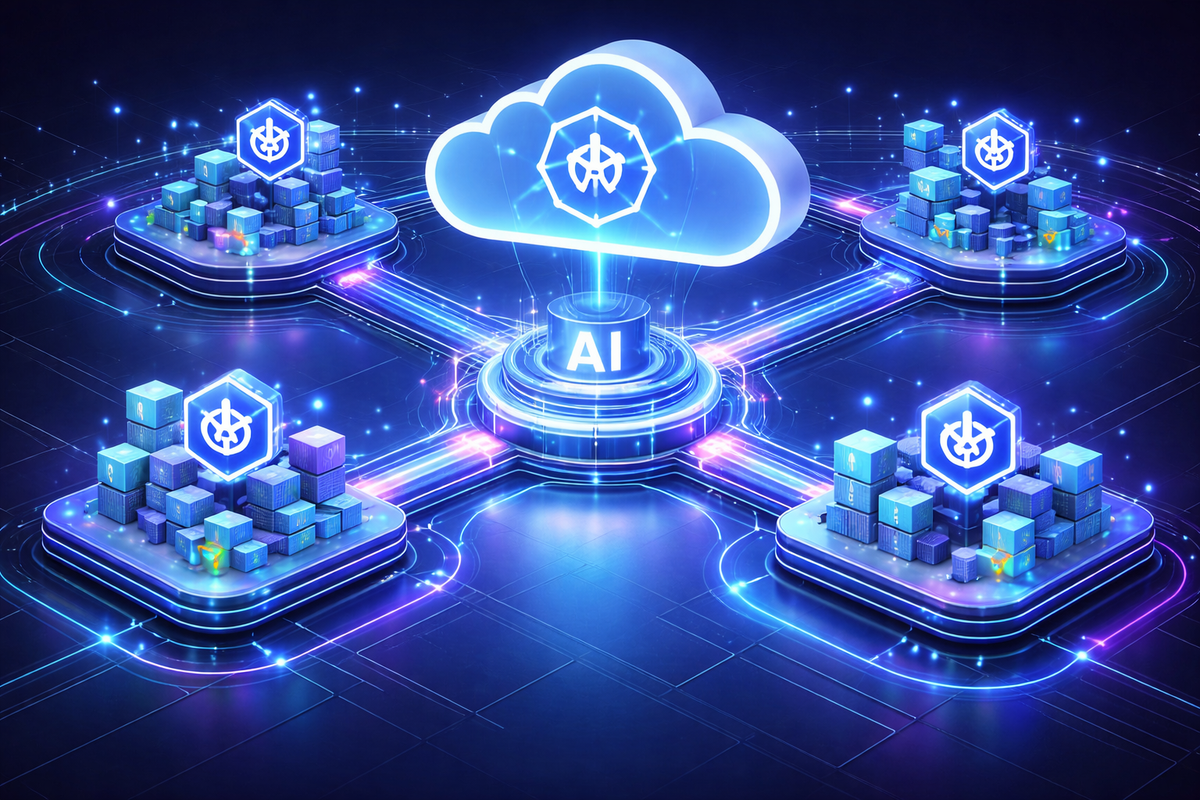
- The software landscape is rapidly evolving, and modern applications are increasingly built using scalable and flexible architectures.
- Trends like microservices and cloud-native development are becoming the standard, allowing businesses to build systems that are modular, resilient, and easy to scale. These architectures rely heavily on containerization as their foundation.
- Tools such as Kubernetes are specifically designed to manage and scale containerized applications efficiently.
- By adopting Docker today, small businesses are not just solving current challenges — they are preparing for the future. It creates a strong foundation for growth, enabling businesses to scale seamlessly as their needs evolve.
Final Thoughts
Docker is more than a technical upgrade—it’s a strategic investment.
With Docker, small businesses can:
- ⏱️ Save time through automation
- 💸 Cut infrastructure costs
- 📈 Scale without stress
In today’s competitive market, that’s not optional—it’s an advantage.
Written by