Azure Developer CLI 2025 Update: What’s New & Why Developers Should Care in 2026
Azure Developer CLI (azd) has emerged as a key tool for developers building, provisioning, and deploying applications on Microsoft Azure. In late 2025, Microsoft shipped one of the most significant updates of the year — the December 2025 release — introducing major feature enhancements, deeper ecosystem integration, and stronger support for developer productivity workflows. In this article, we explore what’s new in the 2025 updates, why these matter, and how developers can leverage them in 2026 for real-world projects
The Evolution of Azure Developer CLI
Before we delve into the future, let's briefly reflect on azd's journey. Born from the need to simplify the "inner loop" of cloud development – from local coding to cloud deployment – azd provides a unified command-line interface that orchestrates provisioning Azure resources, deploying code, and setting up CI/CD pipelines. It abstracts away much of the complexity, allowing developers to focus on writing code rather than wrestling with infrastructure.
The core philosophy of azd revolves around:
- Template-driven development: Start with pre-built templates for common application architectures.
- Infrastructure as Code (IaC): Seamlessly integrate with Bicep or Terraform to define Azure resources.
- Unified workflow: A single CLI to manage the entire application lifecycle.
- Developer-centric experience: Intuitive commands and sensible defaults.
What Is Azure Developer CLI (azd)?
- Azure Developer CLI is an open-source command-line tool that helps developers rapidly go from local code to running applications on Azure, with simplified commands for provisioning resources, building projects, and managing deployments — all supported by infrastructure-as-code.
- Whether you’re using templates to bootstrap a new app, automating builds, or integrating CI/CD pipelines,
azdserves as a developer-centric bridge between local development and cloud infrastructure
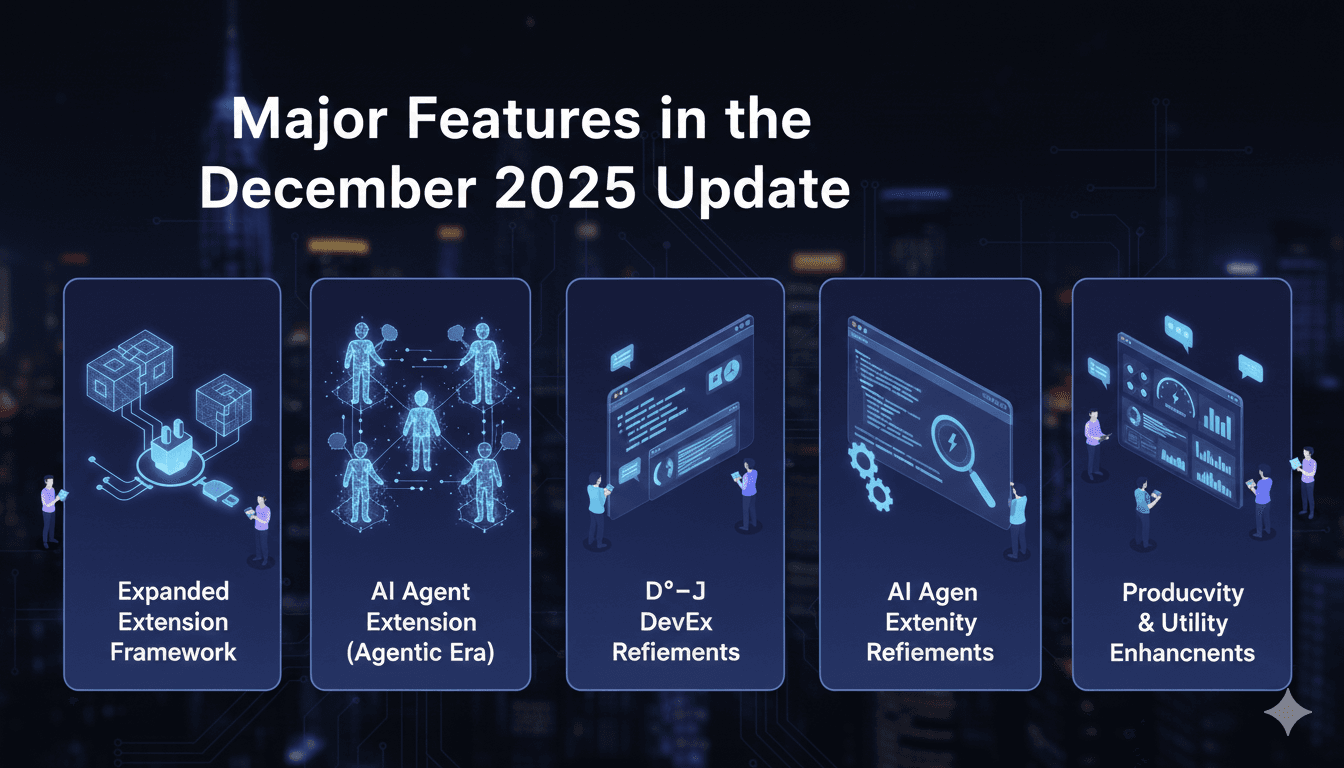
Major Features in the December 2025 Update
1. Expanded Extension Framework Capabilities
azd moved away from being a monolithic tool. The new Extension Framework allows teams to plug in custom logic without waiting for official Microsoft updates.
- Custom Config Properties: Extensions can now define their own settings in
azure.yaml. For example, a security extension could require ascan_level: highproperty directly in your service definition. - Interactive TUI Support: Extensions now support Text User Interfaces (TUI). This means third-party extensions can now launch interactive wizards or dashboards directly inside your terminal.
- Distributed Tracing: Complex deployments often fail in "the middle."
azdnow supports structured error handling and tracing across extensions, making it easier to debug multi-step workflows.
✔ Why it matters for 2026: Your DevOps team can now build "Internal Developer Platforms" (IDPs) on top of azd, adding company-specific compliance checks or testing tools as simple CLI plugins.
2. The AI Agent Extension: Entering the "Agentic" Era
Microsoft has rebranded Azure AI Foundry to Microsoft Foundry, and the azd The update brings a dedicated AI Agent Extension into public preview.
- Scaffold Agents: Use
azd init -t azd-ai-starter-basicto instantly create a directory structure for intelligent agents. - Foundry Integration: The extension automates the creation of Foundry Accounts, Projects, and Model Deployments (like GPT-4o-mini).
- One-Command Agent Deployment:
azd upnow builds the agent's container, pushes it to Azure Container Registry (ACR), and creates a callable endpoint in minutes.
✔ Why it matters for 2026: AI is moving from "Chatbots" to "Autonomous Agents." This update makes agent deployment a standard part of the developer loop, not a manual research project.
3. Developer Experience (DevEx) Refinements
The December release focused on "Quality of Life" improvements that reduce the "waiting game" of cloud development.
- 3-Second Polling: Provisioning feedback used to update every 10 seconds; it now polls every 3 seconds. This provides near real-time visibility into infrastructure builds.
- Interactive Environment Selector: Running
azd env selectnow shows a visual list of your environments—no more typing out long environment names from memory. - Flexible Config:
azdnow officially supportsazure.ymlalongside the traditionalazure.yaml, aligning with standard YAML naming conventions
4. Productivity & Utility Enhancements
- Language-specific
.gitignoretemplates — reduces noise in repos from unnecessary files.Directory creation prompts — smart prompts when creating projects streamline workflows. - Foundry naming updates:
Microsoft rebranded Azure AI Foundry to Microsoft Foundry and aligned CLI references accordingly. This reflect’s Microsoft’s broader vision for integrated AI development platforms.
Why Developers Should Care in 2026
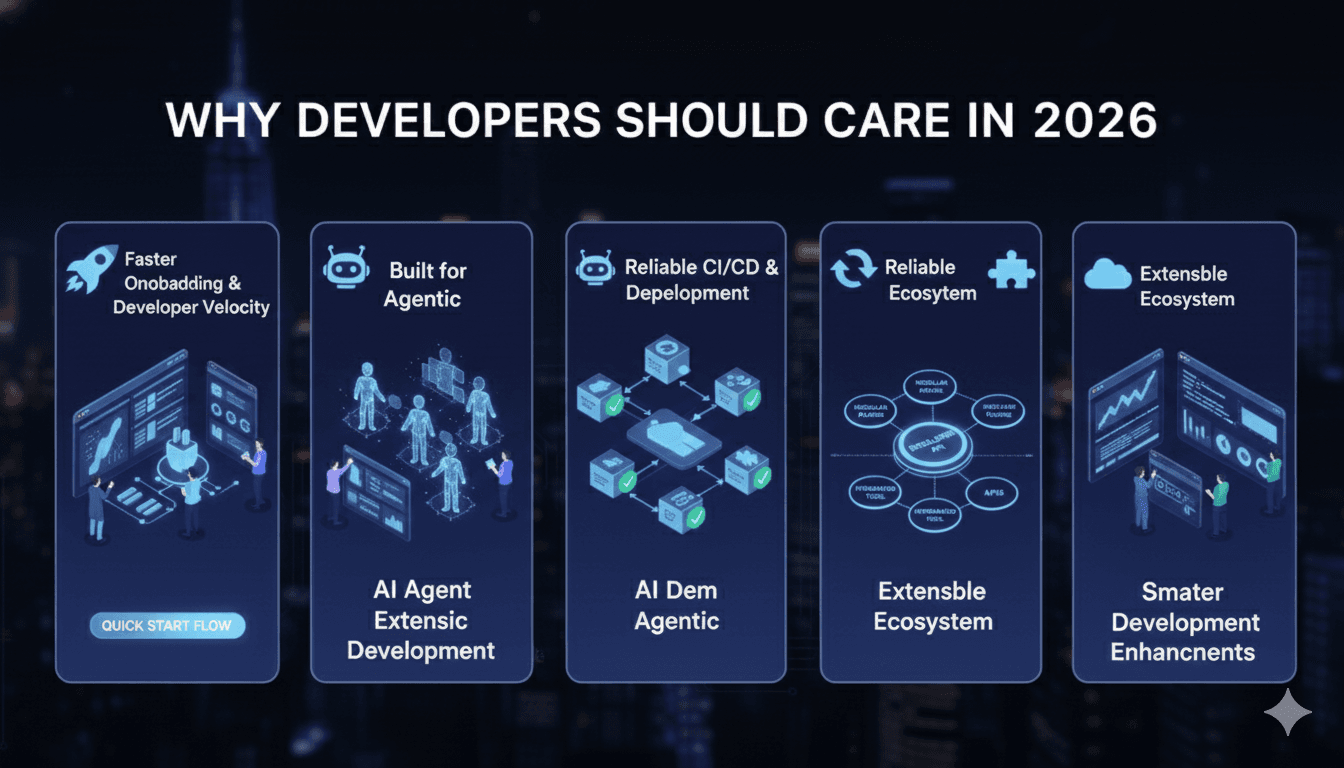
Faster Onboarding & Better Developer Velocity
- With integrated template galleries and interactive workflows, developers — especially new team members — can bootstrap full Azure-backed applications with minimal friction. Fast iterations reduce time-to-value.
Built for Agentic Development
- The rise of AI agents — autonomous workflows that perform tasks like testing, monitoring, or service orchestration — is a key trend in 2026.
azdis positioned to support this shift with built-in scaffolding and deployment pathways.
Reliable CI/CD & Deployment Automation
- Improved provisioning feedback and bug fixes related to pipelines and CI/CD hooks mean teams can rely on
azdmore confidently in automated workflows that scale.
Extensible Ecosystem
- Custom extensions let teams integrate domain-specific functionality — from security scanning to testing guards — without reinventing tooling stacks.
Reliability & Bug Fixes
Beyond cool features, the release also addresses a range of real-world pain points:
- Fixes around container app provisioning and deployments
- Improved behavior when resources are deleted outside of
azdcontexts - Resolved pipeline and CI/CD hook issues
- Better environment variable handling in CI/CD pipelines.
These updates make azd more resilient and predictable — a must-have in production environments.
Summary – Your 2026 Azure Developer CLI Takeaways
| Focus Area | Why It Matters |
| Interactive UX | Speeds up developer workflows |
| Extension Framework | Expands CLI into a customizable platform |
| AI Agent Integration | Sets foundation for agentic cloud development |
| Bug Fixes & Stability | Enables more reliable deployments |
| Template & Config Enhancements | Easier project scaffolding and configuration |
With these 2025 updates, the Azure Developer CLI moves from a convenience tool to a developer productivity platform — one that aligns with the shift toward automated, agent-based, and multi-environment cloud development
What You Can Build with azd in 2026
- Automated AI Specialists: Deploy a fleet of agents that monitor your databases or process incoming documents.
- Standardized Onboarding: Create a "Team Template" that includes a React frontend, Node API, and PostgreSQL DB, all pre-configured with security defaults.
- Self-Healing Pipelines: Use
azdhooks to trigger custom scripts that verify resource health before code is even deployed
Written by
